Unit 3 Sections 14-15 Homework
Here are the instructions for the homework for sections 14-15.




- Notes:
- Libraries
- Challenge 1: Basic Libraries
- Challenge 3: Math
- Homework: Putting it all together(complete only after the random values lesson)
- EXTRA:
Notes:
(From the fill in the blanks)
Libraries
Okay, so we've learned a lot of code, and all of you now can boast that you can code at least some basic programs in python. But, what about more advanced stuff? What if there's a more advanced program you don't know how to make? Do you need to make it yourself? Well, not always.
You've already learned about functions that you can write to reuse in your code in previous lessons. But,there are many others who code in python just like you. So why would you do again what someone has already done, and is available for any python user?
Packages allow a python user to import methods from a library, and use the methods in their code. Most libraries come with documentation on the different methods they entail and how to use them, and they can be found with a quick Google search. Methods are used with the following:
Note: a method from a package can only be used after the import statement.
Some libraries are always installed, such as those with the list methods which we have previously discussed. But others require a special python keyword called import. We will learn different ways to import in Challenge 1.
Sometimes we only need to import a single method from the package. We can do that with the word 'from', followed by the package name, then the word 'import', then the method. This will alllow you to use the method without mentioning the package's name, unlike what we did before, however other methods from that package cannot be used. To get the best of both worlds you can use '*'.
To import a method as an easier name, just do what we did first, add the word 'as', and write the name you would like to use that package as.
- Random values - Randomly generated numbers created using a large set of numbers and a mathematical algorithm
- Random values are good for randomizing outputs, which can make sure that there are not as many similar outputs
- Random values can also be used for anything including probability, which includes gacha, dice rolls, and more
- Really not sure what other notes I can add here
- Remember to import random before trying to use a randomizer
Create a program that asks the user for a day and then gives them a distance in days between that day and another random day in the year. We have provided you with a possible starter, but you are welcome to change it up if you would like.
from datetime import date, timedelta, datetime
import random

minDate, maxDate = date(1900, 1, 1), date(2022, 12, 31)
print("Date range: " + str(minDate) + " to " + str(maxDate))
dateDays = maxDate - minDate
totalDays = dateDays.days
randDay = random.randrange(totalDays)
randDate = minDate + timedelta(days=randDay)
print(randDate)

def inputDate():
    day = ""
    month = ""
    year = ""
    datestr = ""
    quit = False
    # while (datestr != "quit"):
    while (True):
        print("\nEnter a day, month, and year in the 'dd-mm-yyyy' format or type 'quit' to quit.")
        # datestr = input()
        d = input()
        if (d == "quit"):
            print ("Loop exited.")
            break
        m = input()
        if (m == "quit"):
            print ("Loop exited.")
            break
        y = input()
        if (y == "quit"):
            print ("Loop exited.")
            break
        diffDate(int(d), int(m), int(y))

def diffDate(day, month, year):
    timePass = date(year, month, day)
    if (timePass > randDate):
        finalTime = timePass - randDate
    else:
        finalTime = randDate - timePass
    print(randDate, "is", finalTime, "away from", month,"-",day,"-",year,".")

def diffDate2(dateStr):
    splits = dateStr.split("-")
    day = int(splits[0])
    print(day)
    month = int(splits[1])
    print(month)
    year = int(splits[2])
    print(year)
    print(splits)
    timePass = date(year, month, day)
    if (timePass > randDate):
        finalTime = timePass - randDate
    else:
        finalTime = randDate - timePass
    print(finalTime)
inputDate()

# expected output shown below (or something similar)
#   Input a day
#   13
#   Input a month
#   7
#   Input a year
#   2010
#   user day: 07/13/2010
#   random day: 09/11/2010
#   The number of days between the given range of dates is: 60
import random

def printrandom(randNum):
    randNum = random.randint(1,100)
    print ("Randomly generated number:", randNum)
    divValue = randNum
    remainder = 1
    binaryConv = ''
    while divValue > 0:
        remainder = divValue % 2
        divValue = (int)(divValue / 2)
        binaryConv = str(remainder) + binaryConv
    print("Randomly generated number", randNum ,"is", binaryConv,"in binary.")
    # (binary converter taken from previous homework)
printrandom(1)
from datetime import date, timedelta, datetime
import random

minDate, maxDate = date(1900, 1, 1), date(2022, 12, 31)
print("Date range: " + str(minDate) + " to " + str(maxDate))
dateDays = maxDate - minDate
totalDays = dateDays.days
randDay = random.randrange(totalDays)
randDate = minDate + timedelta(days=randDay)
print(randDate)
# used this in other assignment as well
import random
def coinflip():
    flipCoin = random.choice(["Heads", "Tails"])
    print(flipCoin)

coinflip()
Challenge 3: Math
The math package allows for some really cool mathematical methods!
| Methods | Action |
|---|---|
| ceil(x) | Returns whichever number is the next highest integer |
| floor(x) | Rounds to largest integer less than or equal to x |
| factorial(x) | Returns the factorial |
| gcd(x, y) | Returns the greatest common denominator of x and y |
| lcm(x, y) | Returns the least common multiple of x and y |
Challenge: Create a program which asks for a user input of two numbers, and returns the following:
- each number rounded up
- each number rounded down
- the lcm of the rounded down numbers
- the gcf of the rounded up numbers
- the factorial of each number
- something else using the math package!
Documentation
from math import *
import math
x = ""
y = ""
while ((x != "quit") and (y != "quit")):
    x = input()
    if (x == "quit"):
        break

    y = input()
    if (y == "quit"):
        break

    # my vscode is giving me an 'attribute does not exist' for LCM and I am not fixing that so. just know that i tried

    xf = float(x)
    yf = float(y)
    ceilNumX = math.ceil(xf)
    floorNumX = math.floor(xf)
    ceilNumY = math.ceil(yf)
    floorNumY = math.floor(yf)
    factNumX = math.factorial(int(xf))
    lcmNumXY = math.lcm(int(floorNumX), int(floorNumY))
    gcdNumXY = math.gcd(int(ceilNumX), int(ceilNumY))
    factNumY = math.factorial(int(yf))
    sqrtNumX = math.isqrt(int(floorNumX))
    sqrtNumY = math.isqrt(int(floorNumY))
    print ("Ceiling of", x ,"=", ceilNumX)
    print ("Floor of", x ,"=", floorNumX)
    print ("Factorial of", x ,"=", factNumX)
    print ("Ceiling of", y ,"=", ceilNumY)
    print ("Floor of", y ,"=", floorNumY)
    print ("LCM of", y, x ,"=", lcmNumXY)
    print ("GCD of", y, x,"=", gcdNumXY)
    print ("Factorial of", y ,"=", factNumY)
    print ("Square root of", x,"=", sqrtNumX)
    print ("Square root of", y,"=", sqrtNumY)
Homework: Putting it all together(complete only after the random values lesson)
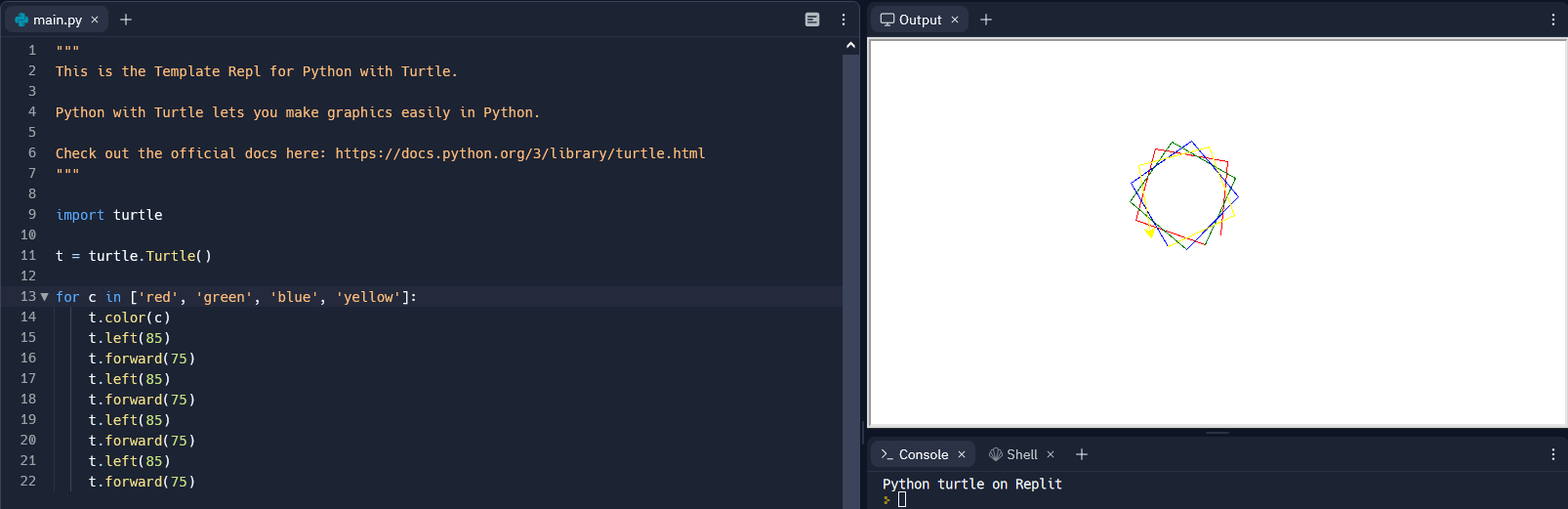
Option 1: Create a python program which generates a random number between 1 and 10, and use turtle to draw a regular polygon with that many sides. As a hint, remember that the total sum of all the angles in a polygon is (the number of sides - 2) * 180. Note: a regular polygon has all sides and angles the same size. Paste a screenshot of the code and the drawing from repl.it
Option 2: use the "datetime" package, and looking up documentation, create a program to generate 2 random dates and find the number of days between
Extra ideas: customize the settings, draw a picture, or something else!
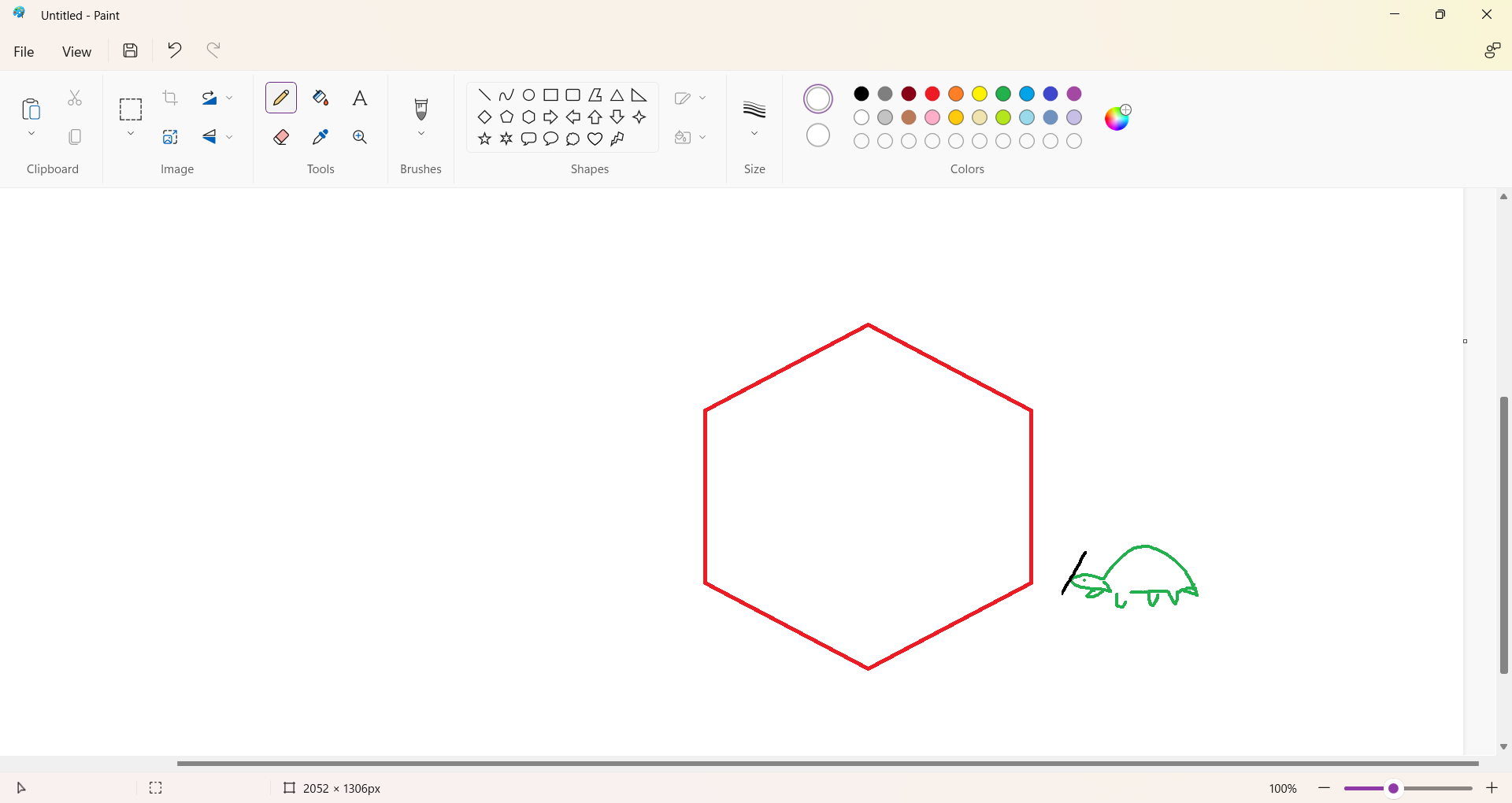
Enjoy my creative randition of what I wanted from turtle vs what I got (6 hours of buffering with no results to show).
import random
import turtle

turns = []

t = turtle.Turtle()
randNum = random.randint(1, 10)
sideLen = input()
print ("Randomly generated number:", randNum)
print ("User input side length:", sideLen)

for c in ['red', 'orange', 'yellow', 'green', 'blue']:
    t.color(c)
    turns = 0
    for r in range(randNum):
        t.forward(sideLen)
        t.left(360/randNum)
        turns = turns + 1
        if turns == randNum:
            break


# So, my turtle doesn't like me and doesn't want to work so I just made this 'theoretical' code
# Essentially, it's just supposed to generate a random number, which the code marks as the 'randNum', or in other words, the amount of sides
# The user can also choose to input a side length
# It then prints the side length and number of sides (these are mostly for testing)
# The color is randomly selected
# Then the turtle will move in accordance to the numbers it's been dealt
# t.forward is the side lengths, and it will move in accordance to the input
# t.left is the corners of the shape; since a full circle is 360 degrees, the turtle will turn in a degree that is 360/the randomly generated number so it can have the right amount of sides
# If I actually coded this right, the turtle will end at the same plSpades it started and keep looping forever because I didn't put an end code. But that's ok my turtle doesn't work so you won't ever have to see its eternal suffering, brought on by the stupidity of none other than my lack of sleep and endless desire to drop school completely

# Actually I lied, I added the ending code
# There's a turn counter that adds 1 to a neat little index and if that index = the amount of rotations the turtle will stop (hopefully. It can just keep going if it wants to. Goodbye turtle you will be missed.)
import random
randCardList = ["Ace Spades","King Spades", "Queen Spades","Jack Spades","2 Spades", "3 Spades","4 Spades","5 Spades","6 Spades","7 Spades","8 Spades","9 Spades","10 Spades", "Ace Diamonds", "King Diamonds", "Queen Diamonds","Jack Diamonds","2 Diamonds", "3 Diamonds","4 Diamonds","5 Diamonds","6 Diamonds","7 Diamonds","8 Diamonds","9 Diamonds","10 Diamonds","Ace Clubs","King Clubs", "Queen Clubs","Jack Clubs","2 Clubs", "3 Clubs","4 Clubs","5 Clubs","6 Clubs","7 Clubs","8 Clubs","9 Clubs","10 Clubs","Ace Hearts","King Hearts", "Queen Hearts","Jack Hearts","2 Hearts", "3 Hearts","4 Hearts","5 Hearts","6 Hearts","7 Hearts","8 Hearts","9 Hearts","10 Hearts",]
flushList = ["Ace Spades","King Spades", "Queen Spades","Jack Spades", "10 Spades"]
# Honestly I was going to try doing each Royal Flush but it was 12:30am and I was crying so I didn't but I was able to do one set

def randCard(start, end, n = 5):
    cardListCount = 0
    cardList = []
    while (cardListCount < n):
        r = random.randint(start, end-1)
        if r in cardList:
            continue
        cardList.append(r)
        cardListCount = cardListCount + 1
    print ("Randomly generated card list:", cardList)
    return cardList

def check(cardList):
    corCount = 0
    for cardIndex in cardList:
        ic = randCardList[cardIndex]
        if ic in flushList:
            corCount = corCount + 1
        print(corCount,"/5 cards in a Royal Flush")
    if corCount == 5:
        print("Royal Flush")


cardRand = randCard(0, ((len(randCardList)) ), 5)
print(cardRand)
check(cardRand)